
Portable power stations have become essential companions for camping trips, emergency backup, and off-grid living. Yet many owners watch their battery capacity diminish faster than expected, leaving them without power when they need it most. The good news is that with proper care and understanding, users can significantly extend their portable power station’s battery lifespan.
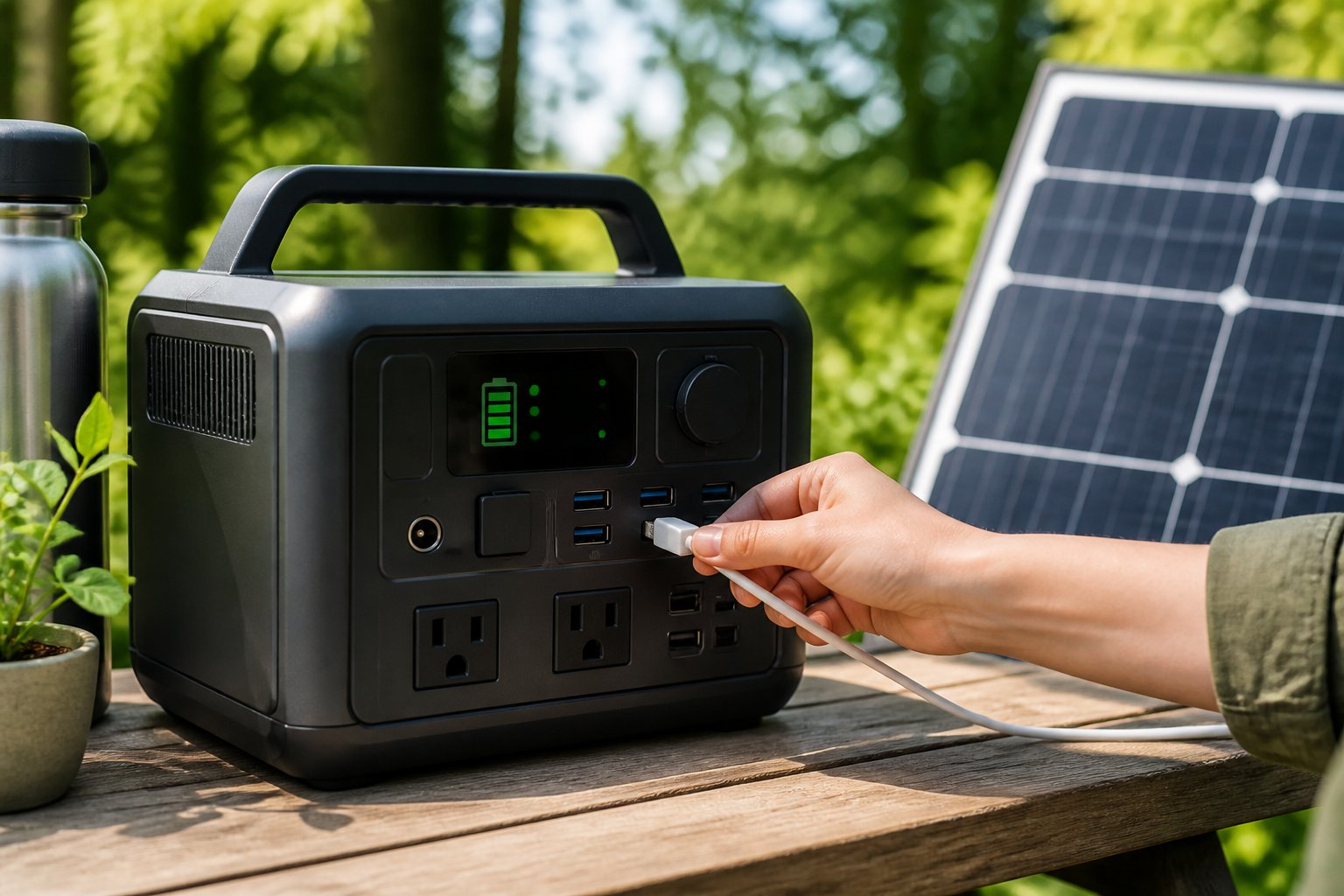
Simple adjustments to charging habits, storage conditions, and daily usage patterns can add years to a portable power station’s battery life while maintaining optimal performance. Most battery degradation stems from avoidable mistakes like overcharging, exposure to extreme temperatures, or letting the charge drop too low too often. These issues are completely preventable with the right knowledge.
This guide covers the core principles of battery chemistry, practical charging strategies that prevent premature wear, safe usage techniques that protect internal components, and environmental factors that affect longevity. It also explores manufacturer-specific recommendations and routine maintenance tasks that keep portable power stations running reliably for years to come.
Understanding Battery Fundamentals
The chemistry inside a portable power station determines how long it lasts, how many times it can recharge, and how well it performs under different conditions. Knowing the differences between battery types and how management systems protect them helps users make smarter decisions about charging, storage, and daily use.
Battery Types and Chemistry
Most portable power stations use one of three battery chemistries: lithium-ion (li-ion), lithium iron phosphate (LiFePO4), or lead-acid batteries. Li-ion batteries are common in consumer electronics and many power stations because they offer high energy density and moderate lifespan. They typically deliver 500-1000 charge cycles before capacity drops significantly.
LiFePO4 batteries represent a newer advancement in lithium chemistry. These units provide 2000-5000 cycles, handle temperature extremes better, and maintain stable voltage throughout discharge. They cost more upfront but often outlast standard li-ion options by several years.
Lead-acid batteries appear in some budget models. They’re heavy, bulky, and offer only 300-500 cycles. While cheaper initially, they require more maintenance and replacement far sooner than lithium alternatives. Most modern portable power stations have moved away from this older technology.
What Cycle Life and Capacity Mean
Battery capacity measures how much energy a power station holds, expressed in watt-hours (Wh) or amp-hours (Ah). A 1000Wh unit can theoretically power a 100W device for 10 hours. However, actual runtime varies based on efficiency losses and the device’s power draw.
Cycle life refers to how many complete charge-discharge cycles a battery can handle before its capacity degrades to 80% of the original rating. One cycle equals draining from 100% to 0% and back to 100%, though partial cycles count proportionally. A battery rated for 3000 cycles at 80% depth of discharge will last longer than one cycled fully each time.
Environmental factors and charging habits significantly affect both metrics. High temperatures accelerate degradation, while keeping charge levels between 20-80% during regular use extends total cycle count.
Impact of Battery Management Systems
A battery management system (BMS) acts as the brain of a portable power station. It monitors voltage, current, and temperature across individual cells to prevent overcharging, over-discharging, and overheating. Without proper BMS protection, lithium batteries can become unstable or fail prematurely.
Advanced BMS units also balance cells to ensure they charge and discharge evenly. This balancing prevents weaker cells from limiting the entire battery pack’s performance. Some systems include firmware that can be updated to improve charging algorithms or add new safety features.
The BMS also communicates with users through displays or apps, showing real-time data about remaining capacity, input/output power, and estimated runtime. This information helps users avoid deep discharges and maintain optimal charging practices that preserve battery health over thousands of cycles.
Optimal Charging Habits for Longevity
Proper charging practices directly influence how long a portable power station battery remains healthy and functional. Maintaining charge levels between 20% and 80%, using manufacturer-approved chargers, and understanding the impact of charging speed all work together to minimize battery degradation over time.
Avoiding Overcharging Risks
Overcharging occurs when a battery remains connected to power after reaching 100% capacity. This prolonged exposure to maximum voltage accelerates chemical breakdown inside lithium-ion cells, leading to permanent capacity loss.
Modern portable power stations typically include automatic shut-off mechanisms that stop current flow when fully charged. However, leaving the unit plugged in for days or weeks can still cause minor trickle charging that generates heat and stress. Users should disconnect the charger once the battery reaches full capacity, especially during long-term storage.
Some advanced models feature firmware updates that improve charging algorithms and battery management systems. Checking for these updates ensures the device uses the latest protective measures against overcharging damage.
Charge and Discharge Recommendations
The sweet spot for lithium battery health sits between 20% and 80% charge. Operating within this range reduces stress on the battery cells and extends overall charge cycles significantly.
Deep discharge, which means draining the battery below 20% or to complete depletion, causes excessive wear on the battery chemistry. Each instance of over-discharging removes a portion of the battery’s long-term capacity. Users should recharge their power station before it drops into critical levels.
For storage periods longer than a few weeks, maintaining approximately 50-60% charge provides the best balance. This prevents both the damage from sitting fully charged and the harm from deep discharge during idle periods.
The recommendation to charge every 3-6 months during storage prevents gradual self-discharge from depleting the battery to harmful levels. After each significant use that drops the charge below 20%, immediate recharging helps maintain battery health.
Choosing and Using the Right Charger
Manufacturer-approved chargers are engineered specifically for each power station model’s voltage, amperage, and charging profile. Using the original charger ensures the battery receives the correct power delivery without risk of overloading or undercharging.
Third-party or generic chargers may appear compatible but often lack the precise specifications needed for optimal charging. Incompatible voltage or current can cause battery degradation, overheating, or even safety hazards. Compatible chargers certified by the manufacturer offer a safer alternative when the original is unavailable.
Charging cables also matter, as damaged or low-quality cables introduce resistance that affects charging efficiency. Users should inspect cables regularly for fraying or connector damage and replace them when issues appear.
Managing Fast and Slow Charging
Fast charging pushes higher current into the battery, filling it quickly but generating more heat in the process. This elevated temperature accelerates chemical reactions that degrade battery materials over time. While convenient for urgent situations, frequent fast charging shortens overall battery lifespan.
Slower charging methods use lower current, which produces less heat and reduces stress on battery cells. This gentler approach takes more time but preserves battery health through thousands of charge cycles. For non-urgent charging situations, selecting slower charging modes extends longevity.
Many portable power stations offer multiple input options with different charging speeds. Users can choose solar panels for the slowest and coolest charge, AC wall outlets for moderate speed, or car chargers for faster fills when needed.
Balancing convenience with battery health means reserving fast charging for emergencies and defaulting to slower methods during routine use. This strategy maximizes both usability and the power station’s operational lifespan.
Essential Usage Practices and Safety
Proper battery management, avoiding excessive power draws, and maintaining adequate airflow are fundamental to preserving battery health and ensuring safe operation. Temperature control and energy-efficient usage directly impact cycle life and overall battery performance.
Ideal Battery Maintenance Tips
Regular battery maintenance protects battery health and extends the usable lifespan of portable power stations. Users should monitor battery health by checking charge levels every 3-6 months during storage, maintaining them between 50-80% to minimize stress on the cells. This practice prevents over-discharging, which accelerates degradation in both lithium-ion and LiFePO4 batteries.
Battery management systems built into most units provide automatic protection, but users still need to avoid consistently draining batteries to 0%. Recharging at 10-20% capacity preserves cycle life better than waiting for complete depletion. For long-term storage, keeping batteries in the 50-80% range reduces chemical stress that occurs at both extreme low and high charge states.
Periodic calibration may benefit some models when the battery percentage display becomes inaccurate. This involves a full discharge followed by an uninterrupted charge to 100%, but should only be performed if the manufacturer recommends it—typically once every 6-12 months at most.
Avoiding Overloading and Reducing Power Consumption
Understanding power limits prevents damage to both the power station and connected devices. Each unit has a continuous power rating and a higher peak power rating for brief surges. Users must keep total device wattage below the continuous rating to avoid triggering shutdowns or causing permanent damage to the inverter.
Connecting too many devices simultaneously through multiple output ports can exceed capacity even if individual devices seem modest. Calculating combined wattage before plugging in devices prevents overloading. For backup power applications, prioritizing essential devices reduces power consumption and extends runtime.
Energy-efficient devices draw less power and create less heat, which benefits both battery performance and component longevity. Enabling eco modes on the power station when running low-wattage items like phone chargers or LED lights minimizes inverter strain. Turning off unused output ports—AC, DC, or USB—eliminates parasitic drain that wastes stored energy.
Voltage spikes from improperly matched devices can stress the system. Using manufacturer-approved cables and chargers ensures compatibility with the battery management system’s specifications.
Proper Ventilation and Temperature Control
Adequate ventilation prevents overheating during charging and heavy usage. Cooling vents require at least 6 inches of clearance on all sides, and units should sit on hard, flat surfaces rather than carpet or bedding that can block airflow. Internal fans activate under load to dissipate heat, so any obstruction compromises this cooling mechanism.
Temperature sensitivity affects both performance and safety. Most portable power stations operate safely between -4°F and 104°F (-20°C to 40°C), though charging should only occur between 32°F and 104°F (0°C to 40°C). Charging below freezing causes lithium plating, which permanently reduces capacity.
During hot weather, keeping units out of direct sunlight and enclosed spaces prevents thermal stress. In cold conditions, bringing the unit to room temperature before charging protects the cells. Storage in climate-controlled environments between 50°F and 77°F (10°C to 25°C) maintains optimal battery health during periods of inactivity.
Smart Storage and Environmental Care
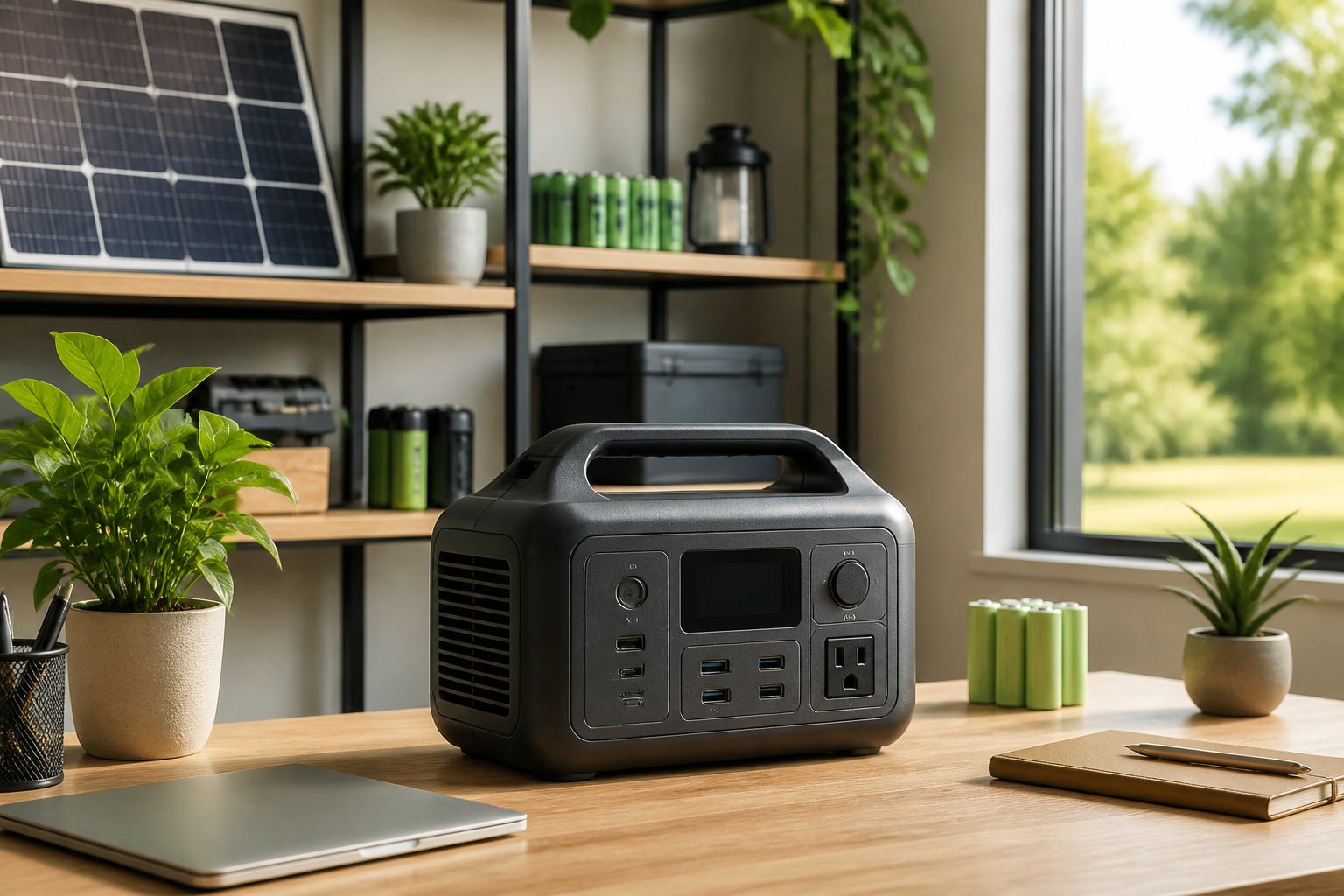
Proper storage conditions directly impact battery chemistry and long-term performance. Maintaining optimal temperature ranges, protecting against environmental elements, and using appropriate storage charge levels prevents accelerated degradation during inactive periods.
Long-Term and Seasonal Storage
Long-term storage requires maintaining batteries at 50-80% charge to minimize stress on the cells. Storing at 0% can cause deep discharge damage, while keeping units at 100% for extended periods accelerates chemical degradation in lithium-ion batteries.
Users should check charge levels every 3-6 months and recharge to the optimal range as needed. Most portable power stations self-discharge at 1-2% per month, making periodic monitoring essential. Before storing for winter or extended periods, owners should charge the unit to approximately 60%, then place it in a climate-controlled environment away from moisture and dust.
Storage preparation checklist:
- Charge to 50-80% capacity
- Power off completely
- Disconnect all cables and accessories
- Clean exterior and ports
- Place in protective case or original packaging
Protective Measures and Physical Handling
Physical protection prevents internal damage that can compromise battery cells and management systems. Using a protective case or padded storage container shields the unit from impacts, drops, and vibrations during storage or transport.
Storage areas should maintain 30-60% humidity levels to prevent moisture corrosion on electronic components and ports. Avoid damp basements, bathrooms, or areas with condensation. Adequate ventilation prevents moisture buildup even when the unit is powered off.
Units should never be stacked under heavy objects or stored in positions where they could fall. Securing them on stable shelves or in dedicated storage bins reduces physical stress. Regular inspection of the exterior housing for cracks or damage helps identify potential issues before they affect internal components.
The Role of Storage Temperature and Sunlight
Storage temperature between 10°C and 25°C (50°F to 77°F) provides optimal conditions for battery longevity. Temperatures above 60°C (140°F) accelerate chemical reactions that degrade capacity, while freezing conditions below -20°C (-4°F) can cause permanent cell damage.
Avoid direct sunlight exposure during storage, as concentrated heat raises internal temperatures beyond safe thresholds. Windows, hot vehicles, and outdoor sheds typically create temperature extremes that stress battery chemistry. Heat exposure is particularly damaging to lithium-ion batteries, which are more temperature-sensitive than LiFePO4 variants.
Ideal storage locations include insulated garages above freezing, interior closets, or climate-controlled rooms away from heating vents and appliances. Users in extreme climates should prioritize indoor storage to maintain consistent temperatures year-round.
Manufacturer Guidance and Maintenance
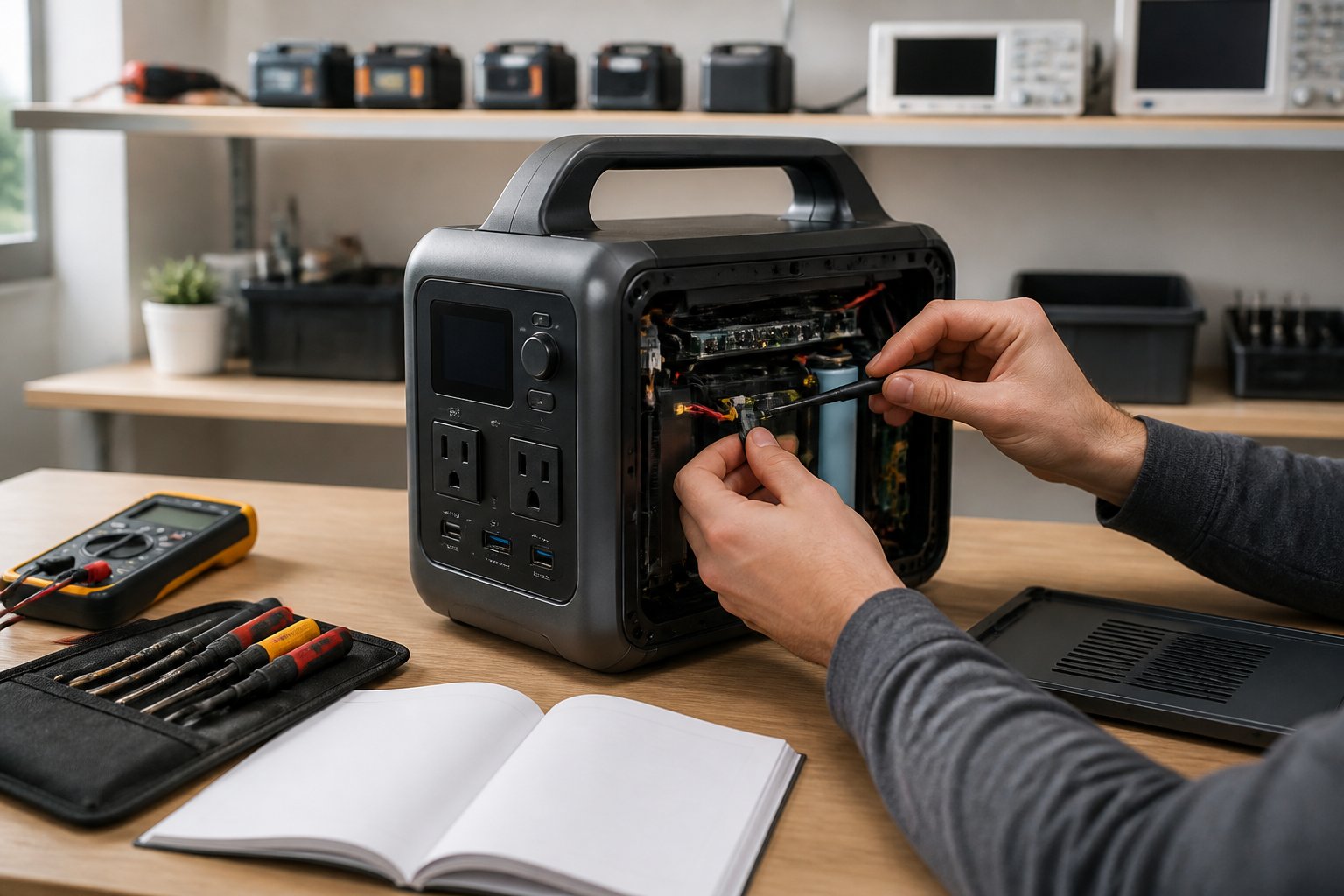
Following manufacturer guidelines is essential for maintaining battery health and overall performance. Regular firmware updates, physical inspections, and adherence to specific instructions can prevent premature wear and extend your power station’s useful life.
Updating Firmware and Software
Firmware updates patch bugs, improve battery management algorithms, and sometimes unlock new charging capabilities. Many modern portable power stations connect to smartphone apps that notify users when updates are available. Users should check for firmware updates every few months to ensure optimal performance.
The update process typically takes just a few minutes and can significantly improve energy efficiency. Some updates address charging speed issues or battery calibration problems that affect long-term capacity. Installing these updates helps the power station operate as the manufacturer intended.
Updates also enhance safety features and thermal management systems. Skipping firmware updates may result in suboptimal charging behavior or missed improvements to battery longevity. For app-enabled models, enabling automatic notifications ensures users never miss critical updates.
Routine Inspections and Cleaning
Physical maintenance prevents dust buildup and ensures proper airflow around cooling vents. Users should inspect charging ports every couple of months and remove debris using compressed air or a soft brush. Dust accumulation in ports can slow charging speeds and create poor electrical contact.
Ventilation openings require regular attention to prevent overheating during operation. Blocked vents force internal components to work harder and generate excess heat, which degrades battery cells faster. A simple visual inspection followed by gentle cleaning keeps air flowing properly.
The exterior casing should be wiped down with a slightly damp cloth to remove dirt and grime. Avoid using harsh chemicals or abrasive materials that could damage protective coatings. Clean units run cooler and maintain better internal component health over time.
Following Manufacturer Instructions
Each power station model has specific voltage and wattage requirements for charging inputs. Using a manufacturer-approved charger ensures the correct power delivery and protects internal circuitry. Third-party chargers may not provide proper voltage regulation, potentially causing battery damage.
Storage recommendations vary by model but typically specify temperature ranges and ideal charge levels. Most manufacturers recommend storing units at 50% charge in environments between 32°F and 77°F (0°C to 25°C). These specifications aren’t arbitrary—they’re based on battery chemistry and component tolerances.
Warranty coverage often depends on following manufacturer instructions for battery care and usage. Operating the power station outside recommended parameters may void warranties and lead to premature failure. Reading the user manual thoroughly before first use helps users understand model-specific requirements and limitations.